Download Firefox Developer Edition full version program the free setup for macOS.
Firefox Developer Edition Overview
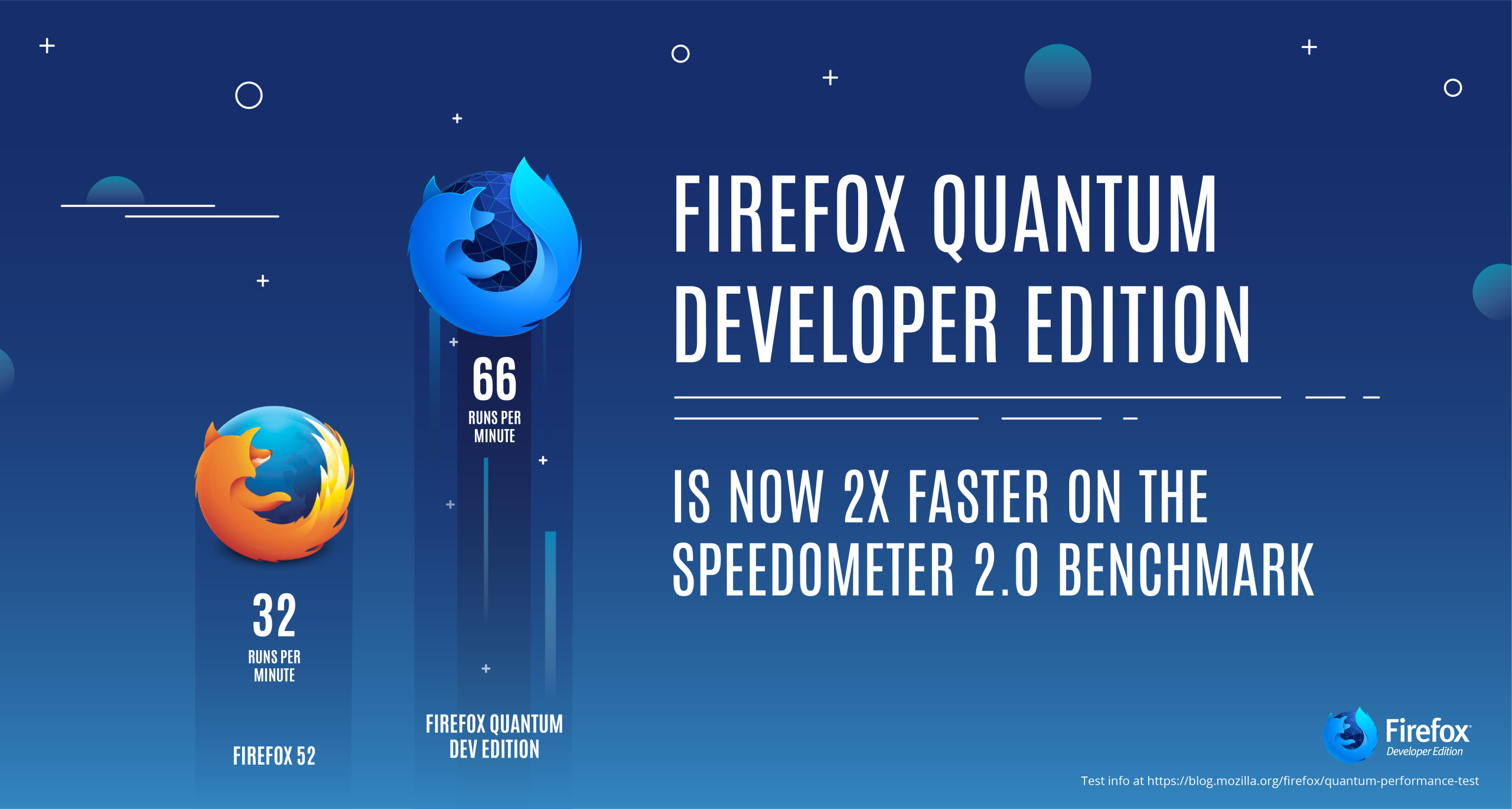
It is a dedicated browser designed to empower web developers with powerful tools and features. Tailored for seamless integration into the development workflow, it offers capabilities such as Responsive Design Mode, built-in WebIDE, JavaScript Debugger, and various other tools to optimize the development process. With a commitment to accessibility, security, and cross-browser development, it provides a comprehensive environment for developers to easily create, debug, and refine their web applications.
Features
- Responsive Design Mode: Allows developers to test and optimize their websites directly across various devices and screen sizes within the browser.
- Built-in WebIDE: With a built-in WebIDE, developers can create, edit, and debug web applications directly from the browser. This integrated development environment simplifies the coding process and enhances productivity.
- JavaScript Debugger: Developers can efficiently identify and fix errors in their code, ensuring a smoother development experience.
- Network Monitor: Developers can inspect and monitor network requests, helping to optimize page load times and improve overall performance.
- Page Inspector: Includes a powerful Page Inspector tool that enables developers to inspect and modify the HTML and CSS of a page in real time. This aids in fine-tuning the visual elements of a website.
- WebAssembly Tooling: Provides dedicated tools for debugging and profiling WebAssembly code, ensuring a seamless integration of this emerging technology.
- Accessibility Inspector: Developers can assess and enhance the accessibility of their websites for a broader audience.
- Valence for Cross-Browser Development: Facilitates cross-browser development by allowing developers to connect to other browsers like Chrome and Safari, enabling simultaneous testing across different platforms.
- CSS Grid Highlighter: Designing responsive layouts is simplified with the CSS Grid Highlighter, which visually overlays a grid on a webpage, making it easier for developers to create and optimize grid-based designs.
- Security Panel: Provides insights into the security features of a website. Developers can identify potential security issues and ensure the safety of their web applications.
Technical Details
- Software Name: Firefox Developer Edition
- Software File Name: anznvw9lev2v/Firefox-Developer-Edition-152.0b6.dmg
- Software Version: 152.0b6
- File Size: 164 MB
- Developers: Firefox Developer Edition
- Language: Multilingual
- Working Mode: Offline (You don’t need an internet connection to use it after installing)
System Requirements
- Operating System: macOS Sonoma 14.0 or later
- Processor: Apple Silicon (M1, M2, M3, M4) or Intel Core i5 or later
- RAM: 4 GB minimum, 8 GB recommended
- Storage: 150 MB free disk space
- Internet: Required for Structured Cloud sync and AI planning features
Firefox Developer Edition Free Download
Click on the button given below to download free setup. It is a complete offline setup for macOS.
File Password: 123